Welcome to Doc to PDF 05’s documentation!

Doc To PDF
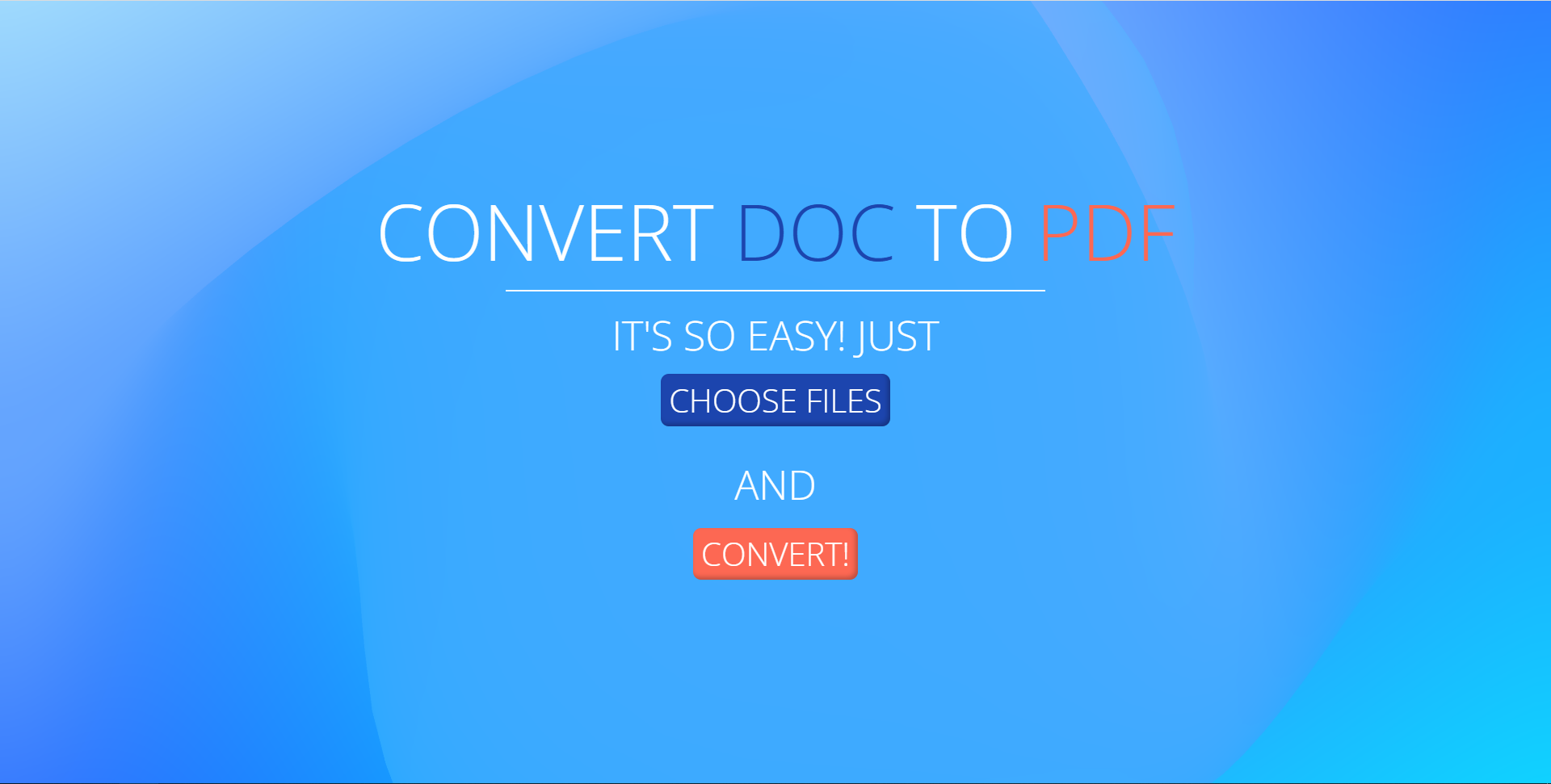
Converter demo

This is the simple API to convert docs to PDF on Linux-like OS or Windows OS. User sends their files to API it converts them, if it is needed and then returns them in .pdf format.

Contents:

  • Quick start instuctions
    • To set up the project, set your virtual env using the commands in this order (Bash):
    • To set up the project, set your virtual env using the commands in this order (Ubuntu):
    • One command format:
    • You also can add server runner to your configs, to do that follow this steps (PyCharm):
  • API documentation
    • API request handler
  • Models documentation
    • Main logic models
  • Serializers documentation
  • Algorithms documentation
    • Save files function
    • Get converted file path
    • Zip all files in directory function function
    • Form a file response function
    • Convert files core function
  • Linux algorithms documentation
    • Install libre function
    • Convert linux function
  • Windows algorithms documentation
    • Conversion Windows OS core function
    • Conversion Windows OS function
    • Conversion xlsx function
    • Conversion docx function

Indices and tables

  • Index

  • Module Index

  • Search Page

Doc To PDF 05

Navigation

Contents:

  • Quick start instuctions
  • API documentation
  • Models documentation
  • Serializers documentation
  • Algorithms documentation
  • Linux algorithms documentation
  • Windows algorithms documentation

Related Topics

  • Documentation overview
    • Next: Quick start instuctions

Quick search

©2022, Kirill Korolev, Igor Abramov, Grigory Gilev, Alexander Kurdyukov, Vladislav Kulikov. | Powered by Sphinx 5.0.2 & Alabaster 0.7.12 | Page source